For agencies
 Post Launcher Profor WordPress · by Inbound Creative
More clients. Same team.
Run every client's editorial calendar from one workflow. Posts queue themselves, so your content team spends its time writing, not scheduling.
Post Launcher Profor WordPress · by Inbound Creative
Watch it work
The whole pipeline.
The whole pipeline.
One screen.
Watch a month of client content get managed without ever opening the editor.
01 · COLOR
Color-coded by category
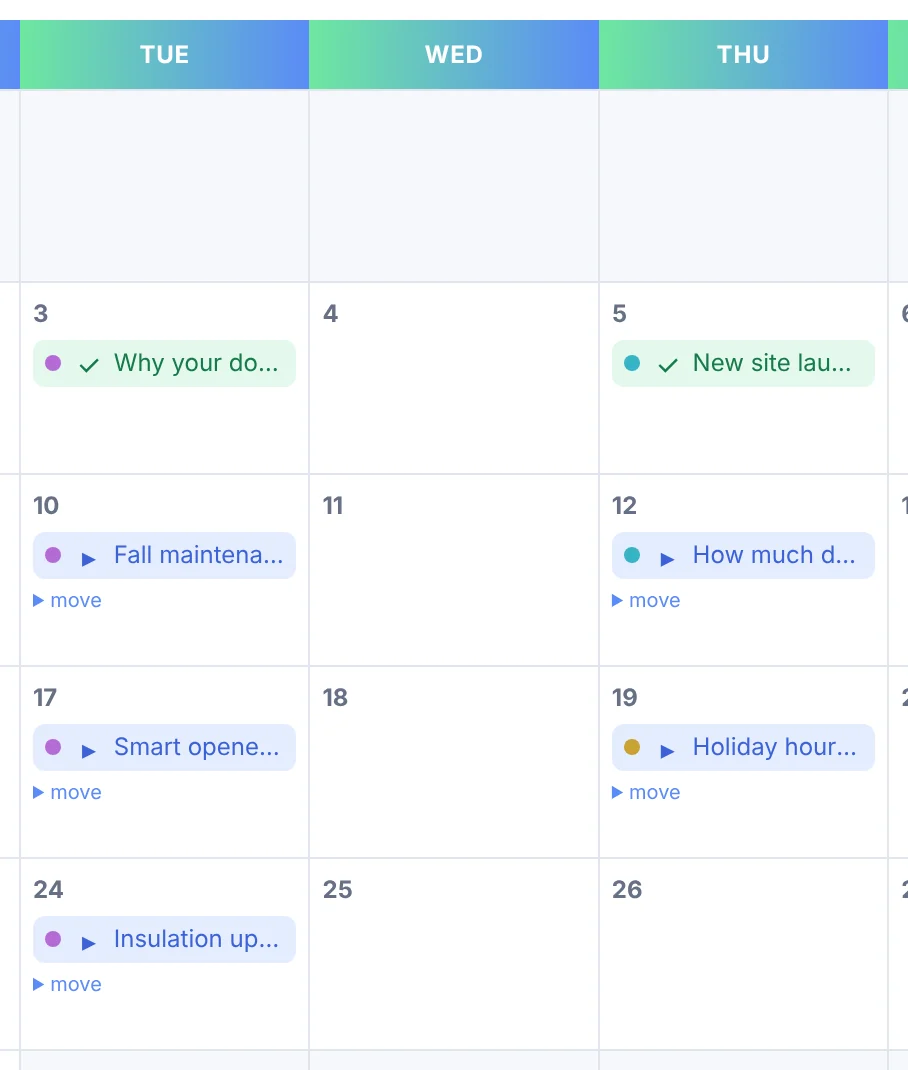
Every post carries its category color. One glance tells you what's shipping, what's stacked up, and what's missing.
02 · FOCUS
Filter to what matters
Cut the noise by category or author. Filters follow you as you page through the months.
03 · MOVE
Reschedule in place
Open any scheduled post, pick a new date and time, save. No editor. No page loads. You land right back on the same month.
04 · FILL
Queue straight from drafts
The Drafts Tray lists everything unscheduled. One click drops a draft into the next open slot.
← Nov
December 2026
Jan →Category: Launches ✕
LaunchesGuidesUpdatesStories
MON
TUE
WED
THU
FRI
SAT
SUN
1
2
3
Gift guide9:00
4
5
6
7
Winter prep9:00
8
9
Year review10:30
Move this post
Dec 16 · 10:30 ▾
Save
10
11
Pricing9:00
12
13
14
Case study9:00
15
16
Year review10:30
17
18
FAQ refresh9:00
19
Team spotlight9:00
20
21
2027 trends9:00
22
23
24
25
26
27
28
Holiday hours9:00
29
30
31
Drafts TrayTeam spotlight · DraftQueue next slot
Launch Calendar
Mission control for every client.
One screen per site: category dots, author and category filters, move any post in place, queue from the Drafts Tray, and export the plan with one click.

Category Release Campaigns
A quarter of content, scheduled in seconds.
Release 12 posts from any category by January 31. Oldest first or newest first, spread evenly to the deadline. One form, done.
TODAY12 POSTS · EVENLY SPACEDJAN 31

Shift Queue
Client pushed the launch?
Client pushed the launch?
Push the queue.
Move every scheduled post forward, 1 to 90 days, in one click. Shifted dates respect your publish days, so nothing lands on a weekend.
Dec 9Dec 16
Dec 11Dec 18
Dec 14Dec 21
+7 days
Activity Log
Accountability, built in.
Who created, scheduled, moved, published, or deleted every post. And how. The audit trail that ends "who changed this?" forever.

iCal Export
Put the plan on their calendar.
Export the whole publishing schedule as one .ics file. Clients see the content plan in Google, Outlook, or Apple Calendar. No WordPress login required.
post-schedule.ics
→
GoogleOutlookApple
Mass Post Deletion
Clean up inherited sites fast. Remove by category or date range, preview first, then trash or delete for good.
See it on your client sites
Book a 30-minute demo. We'll run Post Launcher Pro on a live site and map out the rollout across your roster.
Book a demo →Mass cleanup, with guardrails.
Inherited a site with 400 stale posts? Target a category or a date range, preview exactly what matches, then send it to trash or delete for good. Confirmations at every step.

Everything included · 21 features
The full agency checklist.
Every tool for running content across a roster of client sites.
Calendar and planning
- Launch Calendar for every client site
- Category color-coding with a legend
- Filter by category and by author
- Reschedule any post in place
- Drafts Tray: queue drafts into the next open slot
- Upcoming months at a glance
Bulk content operations
- Category Release Campaigns by deadline
- Oldest-first or newest-first release order
- Shift Queue: move everything 1 to 90 days
- Mass Post Deletion by category or date range
- Preview, trash, or permanent delete with confirmations
- Bulk actions across the Posts list
Accountability and reporting
- Activity Log of every create, edit, schedule, publish, and delete
- Filter the log by user, action, or post
- iCal export for Google, Outlook, and Apple Calendar
- Weekly digest email of the week ahead
Built for client sites
- Installs on every client site
- Automatic updates on every site
- Rollout plan for your whole roster on your demo call
- Missed-schedule protection on every site
- Plus every business feature: Auto-Queue, Publish Days, one-click publishing
See every feature across your clients
Book a demo
Where it fits
Built for client work.
Content agencies
Run ten client calendars without opening an editor. Filters and color dots keep each month readable.
SEO teams
Sitting on a content backlog? Category Campaigns release it evenly, oldest first, by your deadline.
Client services
The Activity Log answers "who changed this?" and iCal exports put the plan on the client's calendar.
Just one site?
See the business side.
Auto-queue, publish days, one-click shipping, and a Monday digest. Everything a single brand needs to stay consistent.
Book a demo
See it across your clients.
A 30-minute live demo with the Inbound Creative team. Watch Post Launcher Pro run a client calendar end to end.